


Budget Planners
Ultimate Budget Planner
Instant Download
$9.00
Premium Google Sheets and Excel templates designed to help you budget smarter, save more, and stay organized — without the overwhelm.

Curated collections designed to simplify every corner of your financial life and daily organization.
We believe organizing your money should feel calm, not stressful. That's why every template is designed to be beautiful and effortless to use.

Our most loved designs — beautiful, beginner-friendly, and ready in minutes.


From purchase to organized — in minutes. No technical skills, no setup headaches, no stress.
Browse our curated library of 30+ beautiful templates. Find the perfect fit for your budgeting, saving, or business needs.
After purchase, receive your download link instantly by email. Access your files anytime, on any device, forever.
Open in Google Sheets or Excel, enter your numbers, and watch as your finances become beautifully clear and manageable.
Every template is designed to bring clarity and calm to your finances and daily life.
Everything you need to know about SereneSheets. Can't find your answer? Contact us anytime!
Yes. Every SereneSheets template works in both Google Sheets and Microsoft Excel. Most customers use Google Sheets since it's free with any Google account and works on any device without installing software — but the same file also opens directly in Excel if that's your preference.
Yes. Every template is designed for beginners — every formula is pre-built, so you just enter your numbers and the spreadsheet calculates the rest. No prior spreadsheet or Google Sheets experience is required.
Yes. All templates work on iPhone, Android, and tablets through the free Google Sheets or Excel mobile app, so you can update your budget on the go, not just on desktop.
Delivery is instant. Right after checkout, you'll get an email with your download link, and you can also access every purchase anytime from your account under Order History.
You get lifetime access. There are no subscription fees and no renewal costs — once purchased, the template and its download link are yours to keep and re-download whenever you need.
Future updates are included at no extra cost. If we improve a template you've purchased, you'll be notified and can download the updated version for free.
Yes. You can reach our team by email or live chat, and we typically respond within 24 hours on business days.
Yes. While designed for digital use, most templates are print-ready — use the print function in Google Sheets or Excel to get a physical version for pen-and-paper planning.
SereneSheets offers a 30-day money-back guarantee on every template, no questions asked. Contact us within 30 days of your purchase date for a full refund.
Each purchase is a single-user personal license for your own use. Sharing, reselling, or redistributing the file isn't permitted — to gift a template to someone else, purchase a separate copy for them.
Contact us through the contact page, email us at hello@serenesheets.com, or use the live chat widget on this page — our team is happy to help.
Expert money tips, budgeting strategies, and productivity guides to help you live your best, most organized life.
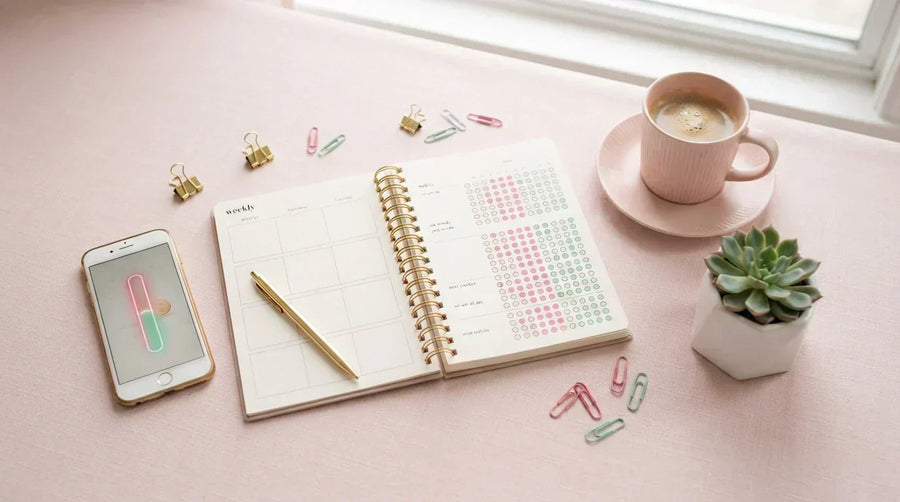
Ten small, repeatable habits weekly tracking, automated savings, the 24-hour rule that quietly transform your finances without a bigger income.
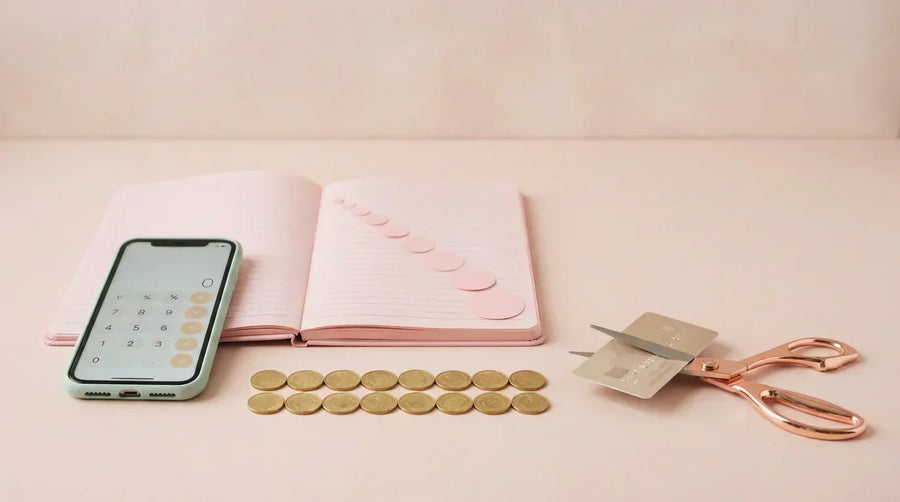
How the debt snowball method works, when to choose it over the avalanche, and how a spreadsheet turns your payoff into a real, dated plan.

Google Sheets or Excel for your budget? An honest comparison of price, mobile access, sharing, and features and the answer most people need.
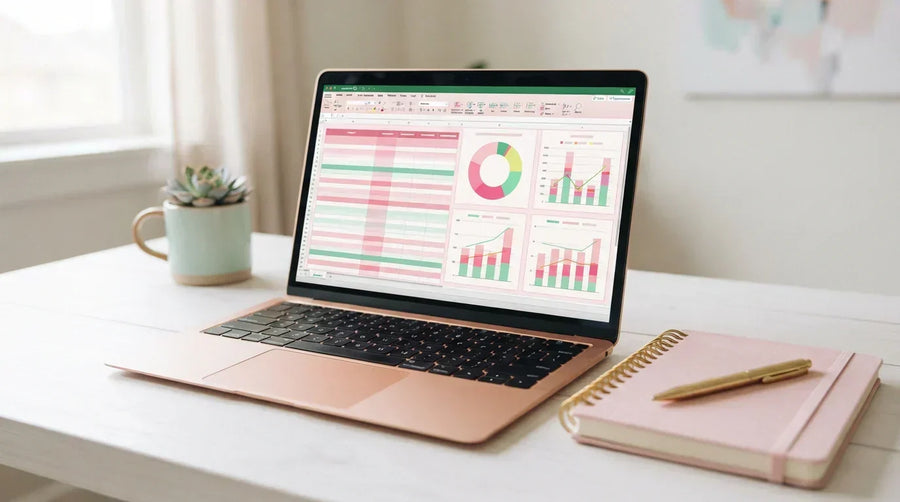
Build a working monthly budget in Google Sheets in six beginner-friendly steps income, categories, two simple formulas, and a chart that keeps you ...
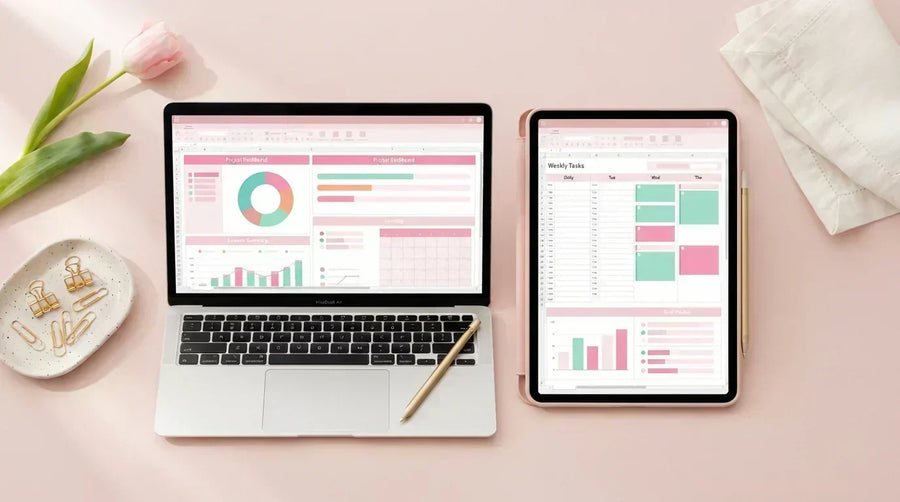
What makes a budget template truly beginner-friendly, the five template types compared, and how to choose your first one with confidence.
Have a question, template request, or just want to say hi? We'd love to hear from you. We respond within 24 hours.
Whether you have a question about a template, need help getting started, or want to suggest a new template — we're happy to help.