SereneSheets
Low-Friction Budget (ADHD-Friendly) - One Screen, No Guilt for Google Sheets & Excel
Low-Friction Budget (ADHD-Friendly) - One Screen, No Guilt for Google Sheets & Excel
Couldn't load pickup availability
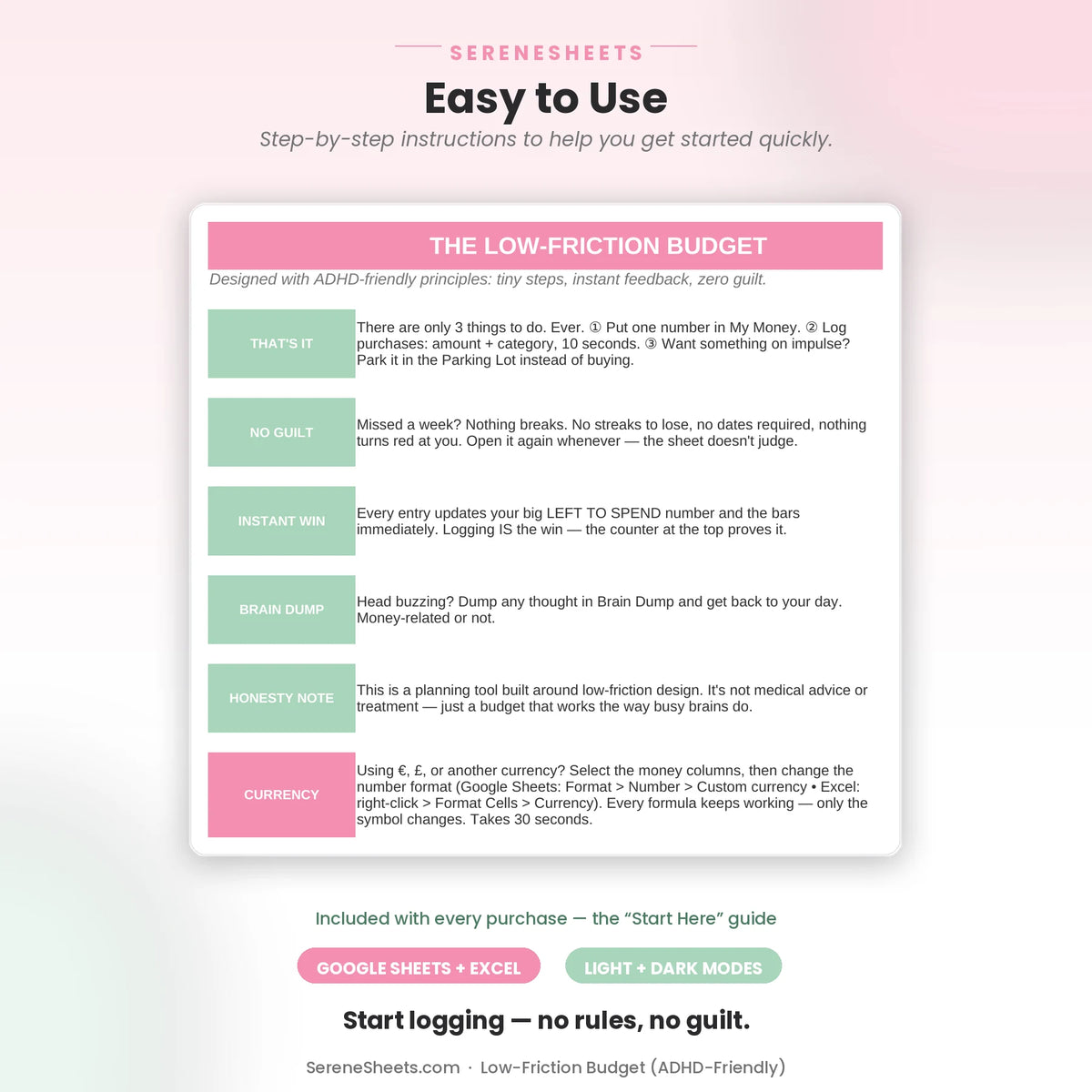
A deliberately minimal, low-friction budget for Google Sheets and Excel — built around just three steps: set one number, log purchases in 10 seconds, and park impulse buys instead of second-guessing them. No categories to set up, no streaks to keep, no dates required. It's a planning tool designed around low-friction habits, not medical advice or treatment.
✨ Why You'll Love It
- ✔ Only 3 things to do, ever — set your number, log purchases, park impulse buys
- ✔ Live status message tells you where you stand: 🟢 good, 🟡 slowing down, 🔴 over — no guessing
- ✔ Parking Lot tracks how much you saved by waiting 48 hours before buying
- ✔ Brain Dump for capturing any thought — money-related or not — so it stops taking up space
- ✔ No guilt design — miss a week and nothing breaks, no streaks to lose
- ✔ Works perfectly in both Google Sheets and Microsoft Excel
📦 What's Included
- ✔ Light Edition — Excel (.xlsx) + Google Sheets copy link
- ✔ Dark Edition — Excel (.xlsx) + Google Sheets copy link
- ✔ Quick Start Guide (PDF)
🎯 Perfect For
- ✔ Anyone who finds category-based budgets overwhelming and gives up on them
- ✔ People who want a budget with no dates, no streaks, and no penalty for missing a week
- ✔ Impulse spenders who want a simple pause step before buying, without judgment
💬 Frequently Asked Questions
What makes this different from a regular budget spreadsheet?
There's no category budgeting to set up and nothing to configure — just one number for the month and a simple log. It trades detail for something you'll actually keep using.
Does it work with Google Sheets and Excel?
Yes. Every purchase includes both versions, so you can use whichever platform you prefer.
Can I use my own currency?
Yes. You can change the currency symbol in seconds without affecting any formulas or calculations.
What happens if I forget to log for a while?
Nothing breaks. There are no streaks to lose and no dates required — just open it again whenever you're ready and pick up where you left off.
⚙️ More Details
How it works
1. Purchase your template.
2. Download instantly after checkout.
3. Open it in Google Sheets or Microsoft Excel.
4. Enter your numbers and let the planner do the rest.
Compatibility
Compatible with Google Sheets, Microsoft Excel, Windows, Mac, and mobile viewing through Google Sheets.
Need something different?
Looking for a custom version? We can create a personalized template with different categories, a custom color theme, extra tabs, additional dashboards, or other features to match your needs. Simply contact us and tell us what you're looking for—we'd love to help.
Support & 30-Day Guarantee
Need help? Contact us anytime at support@serenesheets.com. If the template isn't the right fit, you're covered by our 30-day money-back guarantee.
Share