SereneSheets
Wedding Planning & Savings Bundle — 3 Templates for Google Sheets & Excel
Wedding Planning & Savings Bundle — 3 Templates for Google Sheets & Excel
Couldn't load pickup availability
Plan your wedding and build your future together with 3 spreadsheet templates in Google Sheets and Excel — a wedding budget tracker, a savings challenge system, and a shared couple's budget for life after the big day. Beginner-friendly and fully automatic.
✨ Why You'll Love It
- ✔ Track every wedding category, vendor balance, and payment in one dashboard
- ✔ Save $22.01 compared to buying each template individually
- ✔ Start married life with a shared budget system already set up
- ✔ Turn saving for the wedding into a motivating challenge, not a chore
- ✔ Every dashboard updates itself — no manual math
- ✔ Works perfectly in both Google Sheets and Microsoft Excel
📦 What's Included
- ✔ Wedding Budget Planner — Light & Dark (Excel + Google Sheets)
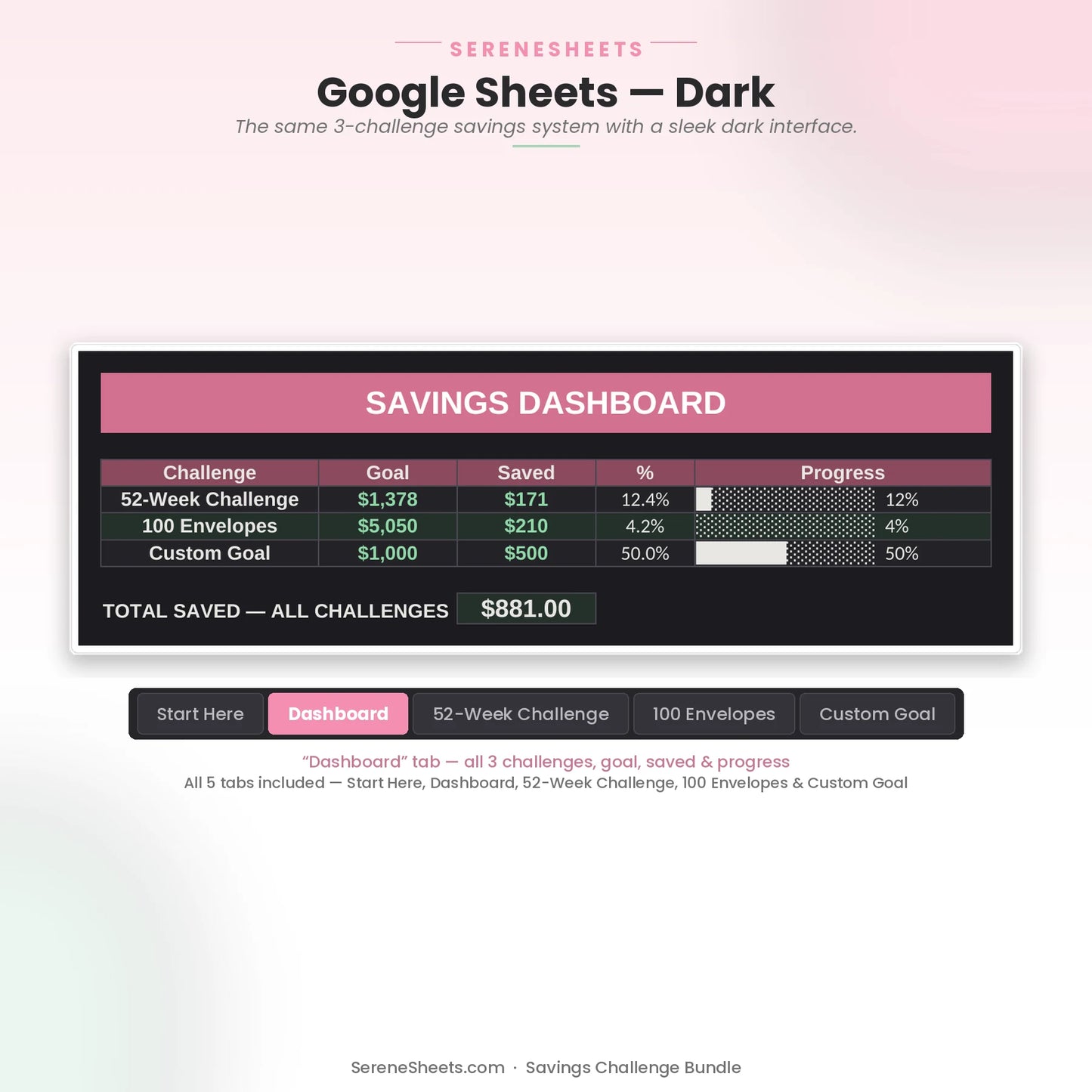
- ✔ Savings Challenge Bundle — Light & Dark (Excel + Google Sheets)
- ✔ Family & Couple Budget — Light & Dark (Excel + Google Sheets)
- ✔ Quick Start Guide (PDF)
🎯 Perfect For
- ✔ Engaged couples planning a wedding on a real budget
- ✔ Newlyweds-to-be who want their shared finances set up before the wedding
- ✔ Anyone saving toward the wedding who wants the process to feel like progress
💬 Frequently Asked Questions
What's included in the Wedding Planning & Savings Bundle?
All 3 templates listed above, each in Light and Dark editions, for both Google Sheets and Excel — a $42 value for $20.99.
Is the Family & Couple Budget useful before the wedding too?
Yes — many couples start using it during engagement to practice managing shared expenses before the wedding.
Does it work with Google Sheets and Excel?
Yes. Every template includes both versions, so you can use whichever platform you prefer.
Can I use my own currency?
Yes. You can change the currency symbol in seconds without affecting any formulas or calculations.
⚙️ More Details
How it works
1. Purchase your template.
2. Download instantly after checkout.
3. Open it in Google Sheets or Microsoft Excel.
4. Enter your numbers and let the planner do the rest.
Compatibility
Compatible with Google Sheets, Microsoft Excel, Windows, Mac, and mobile viewing through Google Sheets.
Need something different?
Looking for a custom version? We can create a personalized template with different categories, a custom color theme, extra tabs, additional dashboards, or other features to match your needs. Simply contact us and tell us what you're looking for—we'd love to help.
Support & 30-Day Guarantee
Need help? Contact us anytime at support@serenesheets.com. If the template isn't the right fit, you're covered by our 30-day money-back guarantee.
Share